
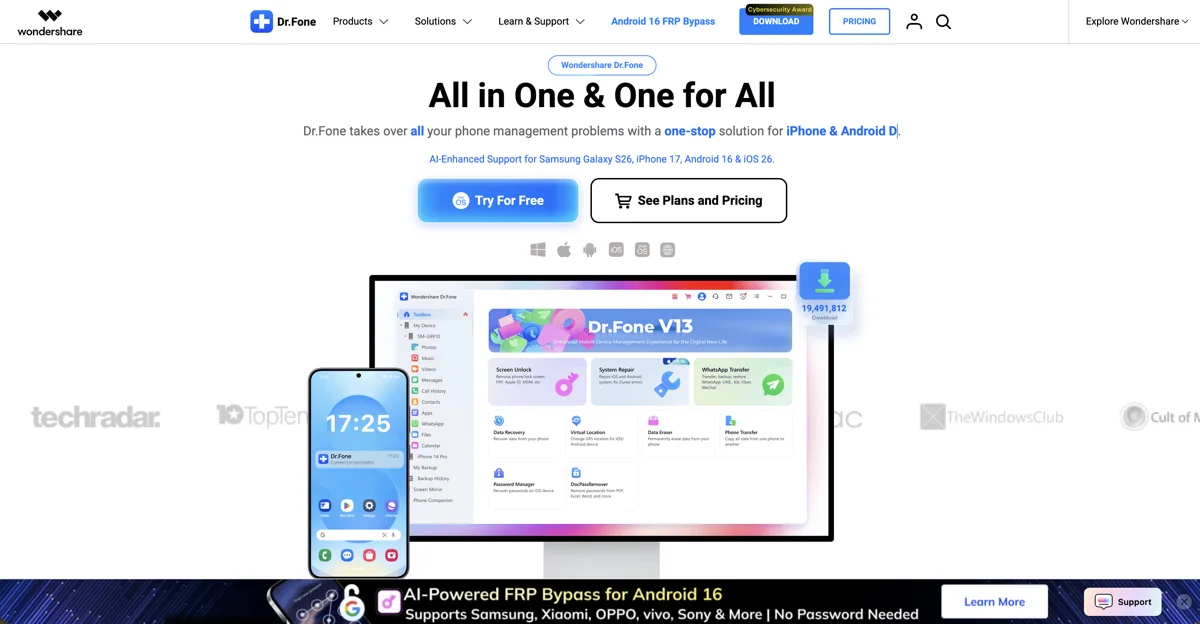
Dr.Fone by Wondershare is a powerful mobile management toolkit designed to solve the most common and frustrating smartphone problems. Whether your phone crashes, locks up, or loses valuable data, this desktop application provides an easy and reliable fix. It allows users to recover lost files, repair operating systems, unlock disabled screens, and transfer data between iOS and Android seamlessly. By offering professional-grade diagnostic tools in a user-friendly interface, Dr.Fone serves as an essential utility for both everyday users and tech professionals looking to keep their devices running smoothly.
Features
Dr.Fone offers a wide array of specialized tools designed to address almost any mobile device issue. Here are its core features:
- Comprehensive Data Recovery: Retrieve deleted photos, videos, contacts, and text messages directly from your device storage or cloud backups.
- Smart Screen Unlock: Safely bypass forgotten PIN codes, passwords, and biometric locks without damaging your mobile hardware.
- Deep System Repair: Fix common operating system issues like the black screen of death and endless boot loops without losing data.
- Cross-Platform Transfer: Move your WhatsApp chat history and phone data effortlessly between iOS and Android devices.
- Permanent Data Eraser: Securely and permanently wipe all data from your old phone before selling or donating it.
How it works
Using this platform is straightforward, ensuring that even non-technical users can perform complex repairs. Here is how it works:
- Install the Software: Download and install the main dashboard onto your computer.
- Connect Your Device: Plug your smartphone into your computer using a reliable USB cable.
- Select Your Module: Choose the specific tool you need from the menu, such as Data Recovery or Screen Unlock.
- Follow the Prompts: Let the software guide you through simple on-screen instructions tailored to your specific phone model.
- Execute the Action: Allow the system to scan, download the necessary firmware, and perform the requested repair or transfer.
- Review the Results: Preview your recovered files or safely disconnect your fully repaired smartphone.
Benefits
Having a complete mobile toolkit at your disposal provides significant peace of mind. The primary benefits include:
- All-in-One Convenience: Access every utility you need for transferring data and recovering files in one centralized dashboard.
- Saves Repair Costs: Fix common software crashes from the comfort of your home instead of paying expensive fees at a repair shop.
- Protects Your Privacy: Use the secure data eraser to ensure your sensitive personal information remains completely private.
- Frictionless Upgrades: Switch between operating systems without the headache of leaving important photos or messages behind.
- No Technical Skills Required: The intuitive interface handles complex coding automatically, making device repair accessible to everyone.
Pricing
Dr.Fone offers a modular pricing structure, allowing users to pay only for the specific tools they actually need:
- A La Carte Modules: Purchase individual licenses for specific tools, like the Screen Unlock module, starting at a lower price point.
- Platform-Specific Suites: Buy a bundled package tailored for either Android or iOS, which includes all the respective repair tools.
- Full Toolkit Subscription: Access an all-inclusive annual subscription that unlocks every single feature across both operating systems.
- Free Trial Versions: Download the software for free to scan your device and preview recoverable files before committing to a paid license.
Review
Dr.Fone has established itself as an industry standard in mobile device management. Its biggest strength is its immense versatility, acting as a complete toolkit for unexpected technical disasters. The clean interface and smooth device recognition make the repair process remarkably easy. While the full toolkit can be a bit expensive for casual users who only need to fix a single issue, the modular pricing offers a great alternative. For system repairs, screen unlocking, and cross-platform transfers, it remains one of the most reliable and effective solutions available on the market today.
Conclusion
Losing access to your smartphone or its data can feel like a complete disaster, but Dr.Fone provides a reliable and powerful safety net. By bundling advanced data recovery, system repair, and seamless file transfer capabilities into one accessible platform, it is an essential digital tool. Whether you are a regular user trying to rescue deleted photos or a professional managing multiple devices, Dr.Fone equips you with the power to solve complex mobile problems quickly and safely from your own computer.