
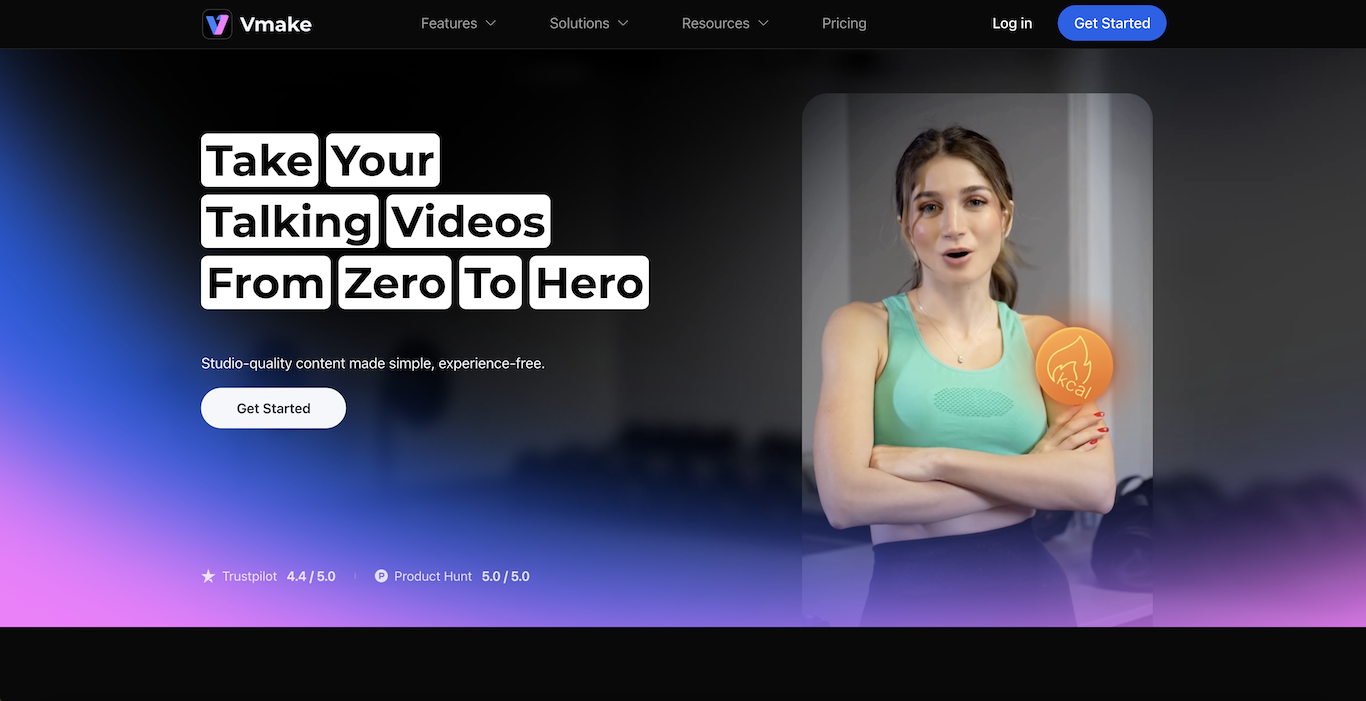
In the booming creator economy, “talking head” videos are a staple for educators, influencers, and business owners. However, producing high-quality content that looks professional often requires expensive equipment and hours of editing. Vmake AI is a comprehensive video editing solution designed specifically to solve this problem. It positions itself as an “all-in-one” AI tool that helps users create studio-quality content without any prior experience.
Whether you are a fitness coach needing auto-captions, a real estate agent wanting to showcase properties, or a startup founder enhancing training materials, Vmake AI offers a suite of tools to streamline your workflow. From removing unwanted watermarks to upscaling video resolution, this platform leverages artificial intelligence to handle the tedious parts of post-production, allowing creators to focus on their message rather than the mechanics of editing.
Features of Vmake AI
Vmake AI is packed with specialized features that target the specific needs of video creators. It breaks down its offerings into editing, enhancement, and generation tools.
- Vmake Agent: An advanced feature that allows users to recreate viral videos. By uploading a reference video and a product image, the AI generates similar high-performing content instantly.
- Auto Captions: The tool automatically transcribes speech and generates stylish subtitles, which is essential for social media engagement.
- Video Enhancer: Using AI, it sharpens blurry footage, improves lighting, and upscales resolution to High Definition (HD) or 4K, making even phone recordings look professional.
- Watermark & Text Remover: Users can effortlessly clean up their videos by removing unwanted logos, text overlays, or watermarks without damaging the background.
- Background Remover: This feature allows for the removal or replacement of video backgrounds, perfect for creating clean product showcases or professional presentations.
- Audio Enhancement: It includes a “Noise Reducer” to eliminate background static and an “Audio to Text” converter for easy transcription.
- AI Video Generator: For those without footage, the tool can generate video ads and creative content from scratch using AI.
How it Works
Using Vmake AI is designed to be intuitive, catering to users who want “from zero to hero” results with minimal effort.
- Upload Media: You start by uploading your video or image file to the web platform or mobile app.
- Select a Tool: Choose the specific function you need, such as “Video Enhancer,” “Auto Captions,” or “Watermark Remover.”
- AI Processing: The AI analyzes the footage and applies the requested changes automatically. For example, it will detect speech for subtitles or identify objects to remove.
- Review and Edit: You can preview the results. If you are adding captions, you can edit the text or style. If you are enhancing video, you can compare the before and after quality.
- Export: Once satisfied, you download the final polished video to your device, ready for publishing on platforms like TikTok, YouTube, or Instagram.
Benefits of Vmake AI
Choosing Vmake AI offers significant advantages for anyone looking to scale their video production.
- Time Efficiency: Tasks that usually take hours—like manual captioning or frame-by-frame object removal—are completed in minutes.
- Cost Savings: It eliminates the need for expensive lighting gear or professional editing teams by digitally fixing quality issues.
- Professional Quality: The AI upscaling ensures that content looks crisp and high-end, even if it was shot in less-than-ideal conditions.
- Versatility: It serves a wide range of industries, including e-commerce, fitness, and education, making it a flexible tool for various use cases.
- Cross-Platform Access: With both a web version and a mobile app, creators can edit their content on a desktop or on the go.
Pricing
Vmake AI offers a flexible pricing structure designed to accommodate different levels of usage.
- Free Trial: New users typically get a limited number of credits or free access to basic features to test the capabilities of the tool.
- Credit System: The platform often uses a credit-based system where complex tasks (like video generation) cost more credits than simple ones (like image enhancement).
- Subscription Plans: Monthly or annual subscriptions are available for heavy users, unlocking unlimited access to certain features, faster processing speeds, and priority support.
Review
Vmake AI has garnered high praise from the creator community, boasting a 4.4/5 rating on Trustpilot and a perfect 5.0 on Product Hunt. Users frequently describe it as a “game-changer” for their content flow.
Fitness coaches and street interviewers highlight the Video Enhancer as a standout feature, noting that it saves footage that was otherwise ruined by bad lighting. Startup founders appreciate the Upscaler for refreshing old training videos without the need to reshoot. The Auto Caption feature is another favorite, with creators mentioning that it cuts their post-editing time in half. While some advanced features like the AI Teleprompter are currently app-exclusive, the general consensus is that the web tools provide immense value for polishing and repurposing video content efficiently.
Conclusion
Vmake AI stands out as a robust and essential toolkit for modern video creators. By combining powerful AI enhancement with practical editing tools like captioning and object removal, it addresses the most common pain points in video production. Whether you are a beginner looking to make your first talking video or a professional agency scaling content creation, this platform provides the speed and quality needed to stand out. It effectively bridges the gap between raw footage and viral-ready content.