
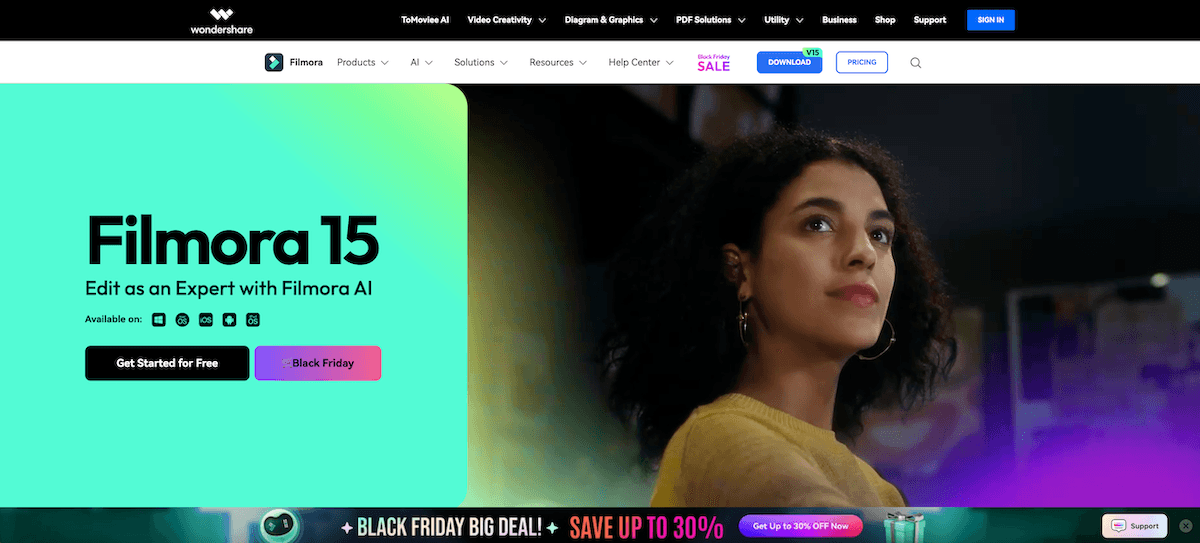
Video editing has long been a complex skill requiring powerful hardware and steep learning curves. Wondershare Filmora changes this narrative by combining professional-grade tools with an intuitive, drag-and-drop interface. Recently updated with advanced artificial intelligence, Filmora positions itself not just as an editor, but as a complete creative platform that helps users “edit faster, smarter, and easier.”
Whether you are a YouTuber, a small business owner, or a hobbyist filmmaker, this tool is designed to bridge the gap between your idea and the final cut. By integrating generative AI features—such as text-to-video and AI copywriting—directly into the editing timeline, Filmora allows creators to produce high-quality content without needing multiple external tools. It supports a wide range of platforms, including Windows, Mac, tablets, and mobile devices, ensuring you can create wherever inspiration strikes.
Features of Wondershare Filmora
Wondershare Filmora is packed with a vast array of features that cater to both beginners and advanced editors, with a heavy emphasis on AI automation.
- AI Copilot Editing: An intelligent assistant that helps you edit by analyzing your footage and suggesting improvements or performing tasks via natural language commands.
- AI Text-Based Editing: This innovative feature allows you to edit videos by editing the transcript. You can remove silent pauses or unwanted sections of the video simply by deleting the corresponding text.
- AI Smart Cutout and Masking: Automatically identify and mask subjects in your video frame-by-frame, allowing for easy background replacement or specific effect applications without manual roto-scoping.
- Generative AI Tools: Includes “AI Text to Video” to create scenes from prompts, “AI Image Generator” for custom assets, and “AI Music Generator” to create royalty-free background tracks that fit your video’s mood.
- AI Vocal Remover: Isolate or remove vocals from a music track with a single click, which is perfect for creating karaoke tracks or balancing background music with dialogue.
- Instant Mode: A feature designed for absolute beginners that automatically creates a video for you based on a selected template and your uploaded media.
- Massive Asset Library: Access to over 10 million built-in stock media assets, including royalty-free music, sound effects, transitions, and stickers.
How it Works
The workflow in Wondershare Filmora is designed to be linear and user-friendly, streamlining the process from import to export.
- Import or Generate Media: You start by dragging your video clips, photos, and audio into the media library. Alternatively, you can use the AI tools to generate new images or video clips from scratch using text prompts.
- Timeline Editing: Drag your assets onto the magnetic timeline. Here, you can trim, split, and rearrange clips. You can also use the “AI Text-Based Editing” to remove bad takes by simply deleting text from the auto-generated transcript.
- Enhancement and Effects: Apply AI tools like “Smart Cutout” to remove backgrounds or “Audio Denoise” to clean up sound. You can then drag and drop transitions, filters, and titles from the extensive library directly onto your clips.
- Color and Audio Mixing: Use the color grading tools to adjust the look of your video and the audio mixer to balance your sound levels. The AI Audio Ducking feature automatically lowers background music when a voice is detected.
- Export and Share: Once finished, click the Export button. You can save the video in various formats (MP4, MOV, etc.) or upload it directly to platforms like YouTube, TikTok, or Vimeo with optimized settings.
Wondershare Filmora Benefits
Choosing Wondershare Filmora offers several distinct advantages for content creators who value efficiency and creativity.
- Low Barrier to Entry: The interface is clean and easy to navigate, allowing beginners to start editing immediately without watching hours of tutorials.
- Time-Saving AI: Features like “Smart Cutout” and “Silence Detection” automate tedious tasks that used to take hours, reducing them to seconds.
- All-in-One Platform: You do not need separate subscriptions for stock footage, music, or AI generation tools; Filmora integrates them all into one dashboard.
- Cross-Platform Compatibility: You can start a project on your mobile device or tablet and finish it on your desktop, providing flexibility for creators on the go.
- Professional Results: Despite its simplicity, it supports 4K editing, keyframing, and advanced color tuning, enabling users to produce broadcast-quality content.
Pricing
Wondershare Filmora offers a flexible pricing structure designed to fit different budgets and usage needs.
- Free Version: A fully functional trial is available that allows users to use all features. However, exported videos will have a conspicuous brand watermark.
- Subscription Plan: This model requires a recurring fee (typically charged annually or quarterly). It ensures you always have the latest version of the software and often includes credits for AI generative features.
- Perpetual Plan: For those who prefer a one-time payment, Filmora often offers a perpetual license. This grants lifetime access to the specific version you purchased, though major future updates (e.g., moving from version 15 to 16) may require a new purchase.
- Cross-Platform Bundle: Special pricing plans are available that bundle licenses for PC, Mac, and mobile devices together for a unified editing experience.
Review of Wondershare Filmora
The reception of Wondershare Filmora has been highly positive across the creator community. Users consistently praise its “perfect balance of professional power and ease of use.” Many testimonials highlight the “AI Portrait Cutout” and “Audio Stretch” features as game-changers for speeding up workflows.
Beginners appreciate the “Instant Mode” and the vast library of templates, which allow them to create polished videos for social media in minutes. Professional YouTubers and marketers value the advanced capabilities like keyframing and speed ramping, noting that while it is beginner-friendly, it doesn’t compromise on the depth required for complex projects. Some users have noted that the sheer number of features can be overwhelming at first, but the “AI Copilot” helps navigate these tools effectively. Overall, it is regarded as one of the best value-for-money editors on the market.
Conclusion
Wondershare Filmora stands out as a robust, AI-driven video editing solution that democratizes content creation. By effectively blending powerful AI automation with a user-friendly interface, it removes the technical barriers that often discourage new editors. Whether you are editing a quick social media clip or a long-form documentary, Filmora provides the tools to tell your story effectively and creatively. It is a highly recommended tool for anyone looking to produce high-quality video content with speed and ease.